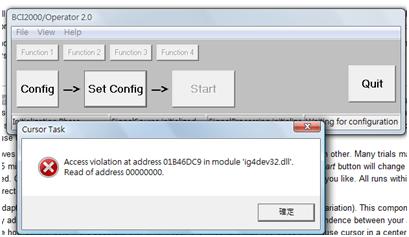
Visit the website of Intel
http://www.intel.com/support/detect.htm, go to check automatically the version of Intel Graphic Driver.
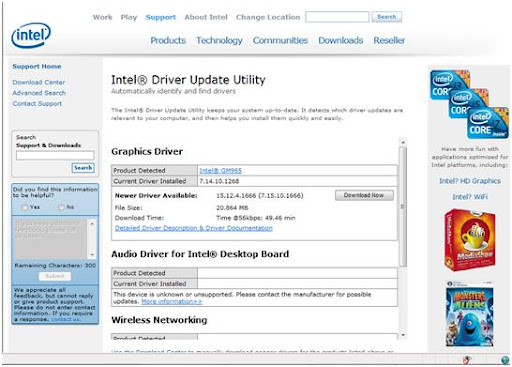
The website of Intel to check version of graphic driver
After completing the checking, the detail for the graphic driver of my own computer will show up, and it will tell me to download the new version of driver.
When the new version driver is installed, the computer is required to restart. After that the BCI2000 software can be able operated on My computer, since the error due to the driver version is solved. The error message “Access violation at addres 01B46DC9 in module ‘ig4dev32.dll’. Read of address 00000000.” does not come up any longer.